
Reflect on how well you know how to use these tools and tick the level that most closely describes you.
□ Novice I’m not sure what the tools can do; I need to follow instructions to do most tasks.
□ Advanced beginner I can do some tasks but need support for anything else
□ Competent I have a good idea how to do most things and could learn how to do anything else without help.
□ Proficient I have a very good working knowledge of what the tools can do.
□ Expert I am fully aware of the limitations of the tools.
You might find it useful to list the tasks that you’re absolutely confident with. Next, list some of the tasks you know the tools or software can do but which you’ve not mastered yet. Now identify resources that you have to hand or online that can help support you in developing your ability to work with these tools. Identify what tutorials and support would be useful to your learning. Don’t worry about trying to learn everything immediately; you’ll have plenty of opportunity to develop your skills as you progress through the course, but keep your list to hand so you know where to find software or other support when you need it. You may want to start by visiting the OCA website to see the latest resources, or talk to fellow students who have found solutions to some of the problems you’ve encountered.
After using Adobe Creative Suite (mainly Photoshop, illustrator and indesign) for nearly 6 years i have a proficient ability to use majority of the tools. However there are new tools added to ease the end user like most technology its constantly changing and adapting.
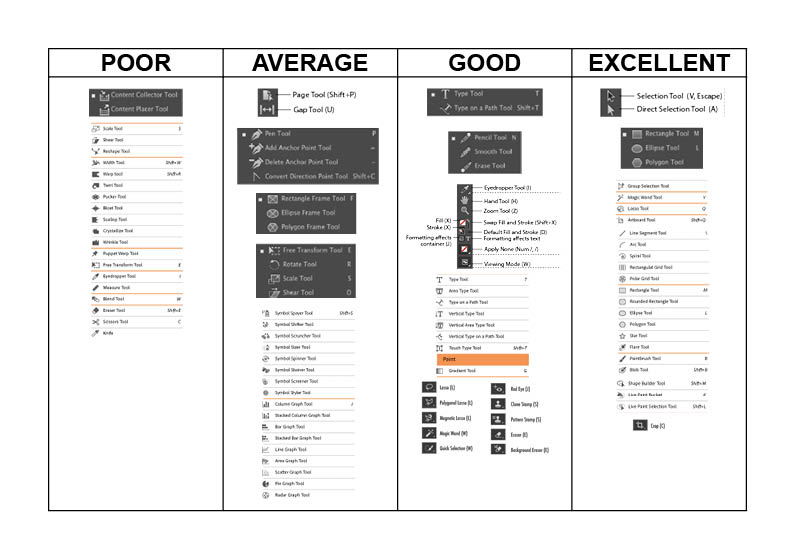
As you can see the tools i do and don’t understand is average across all the areas there are some i feel i am excellent in and others im poor in.
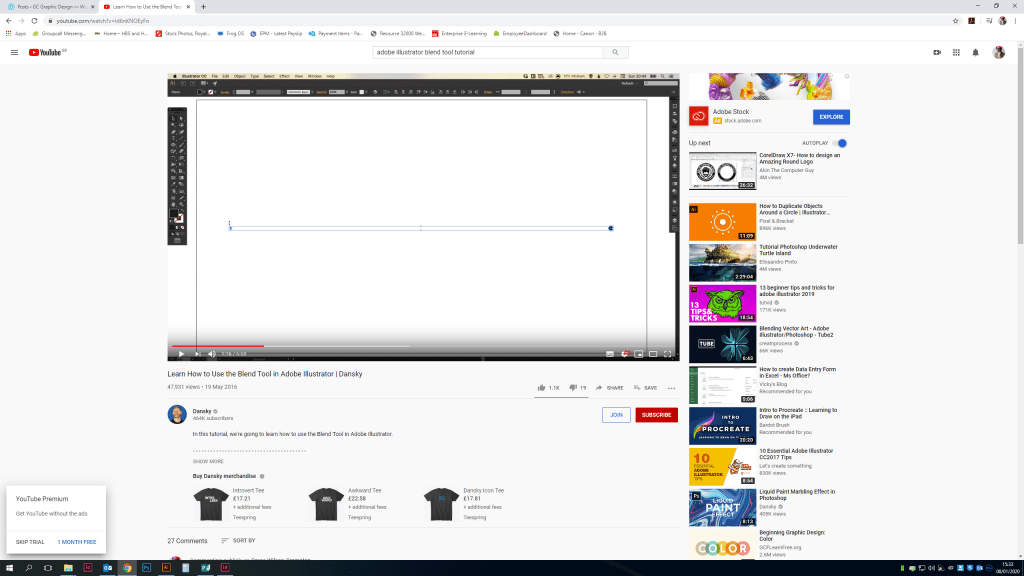
Previously when I’ve attempted something in my work and either can’t figure it out for myself or have never tried i will look on YouTube and watch a tutorial or two! I find these to be the best way to learn something new as they actually show you step by step rather than reading through a manual and possibly not understanding the terminology used. Failing this i would look at the adobe creative suite tutorials on their website i may even contact someone from their team they have been very helpful in the past.
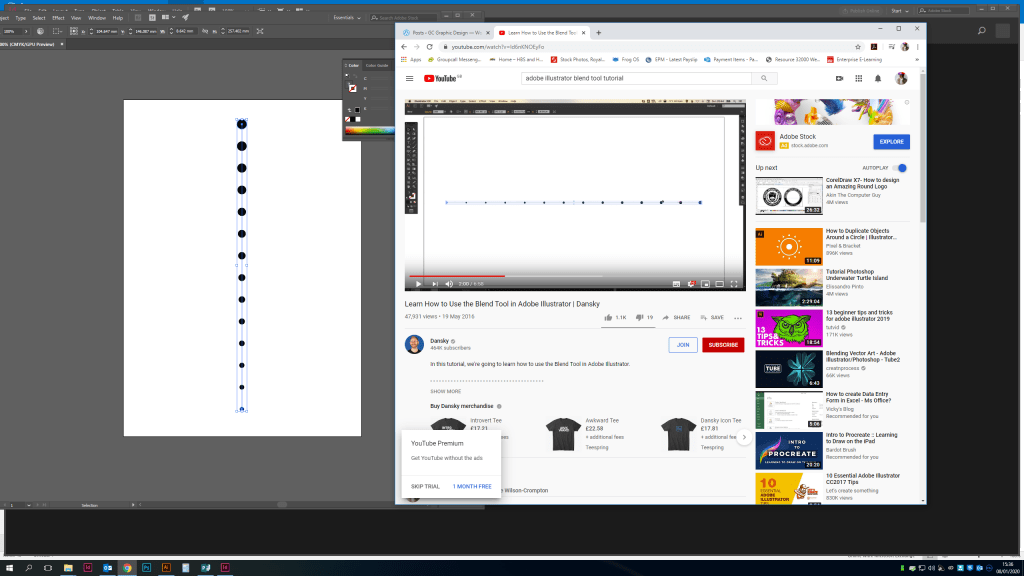
The You-tuber Danksy is a particular favorite of mine, his tutorials are quick and easy to follow see below where i have learnt how to use the blend tool in illustrator.

 GC Graphic Design